

The Complete Heyroller App Guide
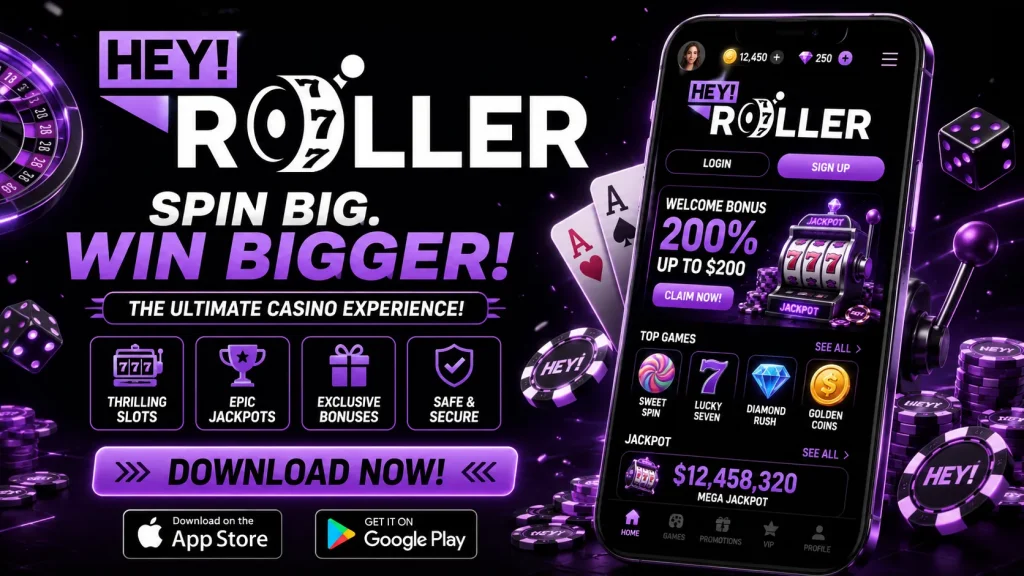
The Heyroller app is our dedicated mobile casino experience, built for UK players who want the full range of slots, table games and live dealer action without being tied to a desktop browser. Whether you’re waiting for a bus, on your lunch break, or settled in for the evening, Hey Roller mobile brings the entire Heyroller casino into your pocket. This page is your reference point for everything related to the app: how it works, how to install it, what it costs in storage and data, and how it compares to playing through your browser.
Compared with the desktop site, the Heyroller mobile app offers quicker access, a more responsive interface tailored to touchscreens, and a lobby that remembers your preferences. You skip the need to type a URL each time, and notifications can alert you to relevant promotions. For most UK players, mobile has become the default way to play, and we’ve built the app accordingly rather than treating it as an afterthought.
Built on HTML5: what that means for you
The Heyroller app is built using HTML5 technology rather than requiring separate downloads for every individual game. Practically, this means games load instantly within the app shell, with no bulky per-title installations or Flash-style plugins to manage. It also means your experience stays consistent whether you’re playing on a compact Android phone, a larger iPhone, or a tablet propped up on the kitchen table.
HTML5 delivers near-native performance: animations in slots run smoothly, live dealer video streams without excessive buffering on a stable connection, and transitions between the lobby and game screens feel immediate. Because games are streamed rather than fully downloaded, the app itself stays light on storage, and it tends to use less battery and mobile data than heavier native alternatives. The install itself takes moments, and once it’s on your device, the lobby opens quickly each time you tap the icon.
Downloading and installing on Android
Because Google Play restricts real-money gambling apps across much of the UK and Europe, we distribute the Heyroller app for Android as a direct APK download from our own site rather than through the Play Store. This is standard practice among licensed operators and doesn’t affect the safety of the app itself.
To install it, open your mobile browser, visit the Heyroller site, and select the Android download option. Your phone will likely warn you about installing apps from “unknown sources” — this is a routine Android security prompt, not a red flag. Go to your device settings, allow installation from your browser for this one download, then open the downloaded file and confirm the install. The Heyroller app icon will then appear on your home screen, ready whenever you want to play.
Getting set up on iOS
Apple’s App Store policies are similarly restrictive for real-money casino apps, so iPhone and iPad users access Hey Roller app functionality through our optimised mobile web app. Open Safari, go to the Heyroller site, and use the share icon to select “Add to Home Screen.” This creates an app-style icon that opens directly into full-screen play, behaving much like a native download without needing App Store approval. There’s nothing to update manually — the web app always reflects our latest version automatically.
System requirements
| Requirement | Android | iOS |
|---|---|---|
| Minimum OS version | Android 7.0+ | iOS 13+ |
| Storage needed | Approx. 30–50MB | Negligible (web app) |
| Recommended connection | 4G/5G or Wi-Fi | 4G/5G or Wi-Fi |
| RAM | 2GB+ | 2GB+ |
Registration, login and account security on mobile
Signing up through the Heyroller app is designed for small screens: the form is short, fields auto-format where possible, and you can complete registration in a few minutes using a phone number and email. We ask for identity verification early rather than at withdrawal time, so once you’re ready to cash out, there’s no unnecessary delay caused by outstanding KYC documents.
Returning players can enable biometric login — Face ID or fingerprint, depending on your device — for near-instant access without retyping passwords each time. A “stay logged in” option is also available if you’re using a private device, though we’d always recommend caution on shared phones. Combined, these features mean the Hey Roller app gets you from icon tap to lobby in seconds, not minutes.
Deposits and withdrawals from your phone
The app supports one-tap deposits once you’ve saved a payment method, so topping up your balance mid-session doesn’t interrupt your play for long. UK players typically use debit cards, Apple Pay, or e-wallets such as PayPal and Skrill, alongside bank transfer options for larger amounts. Minimum deposits are generally low, making it easy to test the app before committing significant funds.
Withdrawal speed depends on method and verification status, but e-wallets are typically the fastest route, often processing within a day once approved, while card and bank withdrawals may take a little longer. We display current limits and estimated timings clearly within the app’s cashier section before you confirm any transaction, so there are no surprises.
| Method | Typical minimum | Estimated withdrawal time |
|---|---|---|
| Debit card | £10 | 2–5 business days |
| Apple Pay | £10 | Same day–24 hours |
| E-wallets (PayPal, Skrill) | £10 | Within 24 hours |
| Bank transfer | £20 | 1–3 business days |
The full games library, not a stripped-down version
Some operators offer a reduced mobile catalogue, but the Heyroller app carries the complete library: hundreds of slots, classic table games like blackjack and roulette, live dealer tables streamed from studio floors, and progressive jackpots with meaningful prize pools. Search and filter tools let you narrow results by provider, volatility or theme, so finding a specific title takes seconds rather than endless scrolling.
Leading studios featured include Pragmatic Play, NetEnt, Evolution and Play’n GO, among others, ensuring the graphics and gameplay you get on Heyroller mobile match — sometimes exceed — the desktop experience in responsiveness.
Mobile bonuses and loyalty rewards
App users often gain access to mobile-exclusive promotions, including free spin offers tied to specific slot releases and push notifications alerting you to time-limited deals. Our welcome offer is available whether you register on mobile or desktop, and wagering requirements are stated plainly on the promotions page before you opt in, so you know exactly what’s expected before committing your bonus funds.
Regular players can also progress through our loyalty programme directly from the app, tracking points and VIP status without needing to log into a separate desktop account.
Staying safe and getting help
Heyroller operates under UK licensing requirements, with encrypted connections protecting your data and RNG-certified games ensuring fair outcomes. Responsible gambling tools are built into the app itself — deposit limits, session time-outs, self-exclusion and reality check reminders can all be set from your account settings, giving you control over your play at any time.
If something goes wrong, live chat support is available 24/7 directly within the app, typically connecting you to an agent within a minute or two.
Troubleshooting common issues
- App won’t install on Android: confirm “unknown sources” is enabled for your browser and that you have enough free storage.
- Login problems: reset your password via the app, or check biometric settings haven’t changed after an OS update.
- Slow loading: switch from Wi-Fi to mobile data (or vice versa) and close background apps competing for memory.
- iOS icon missing: re-add the web app to your home screen via Safari’s share menu.